
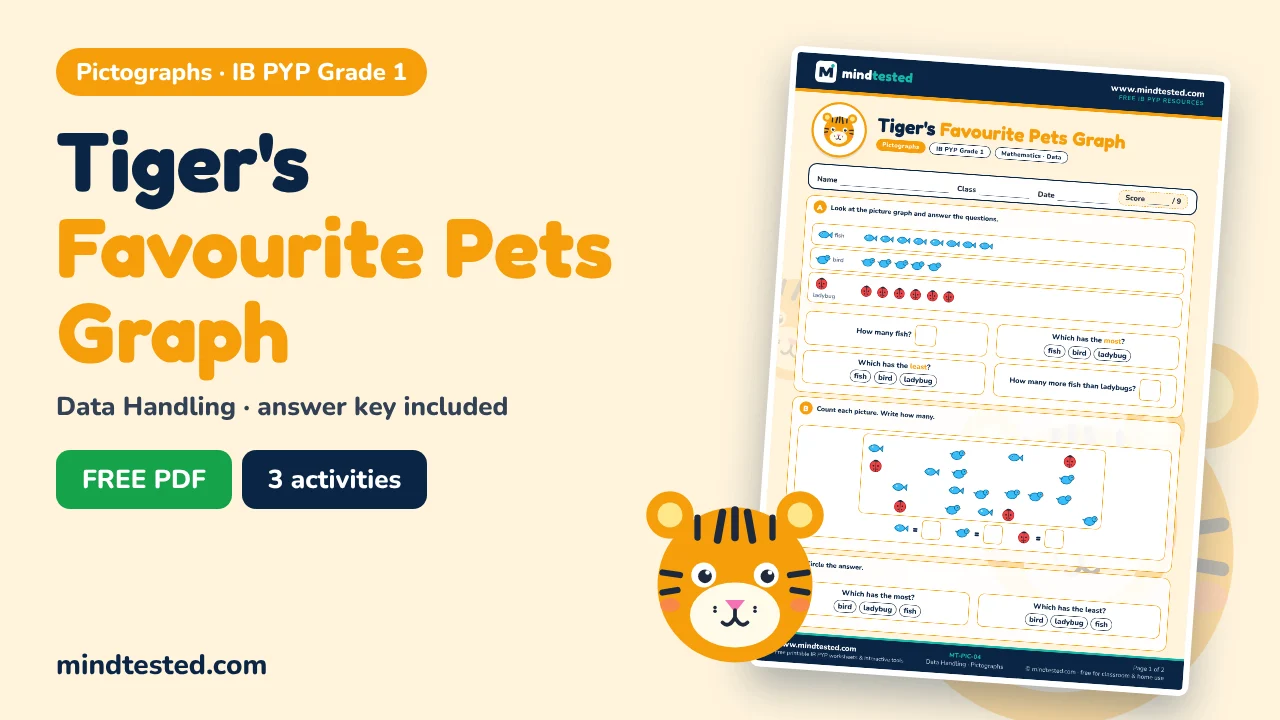
Pictographs in IB PYP Grade 1 Mathematics
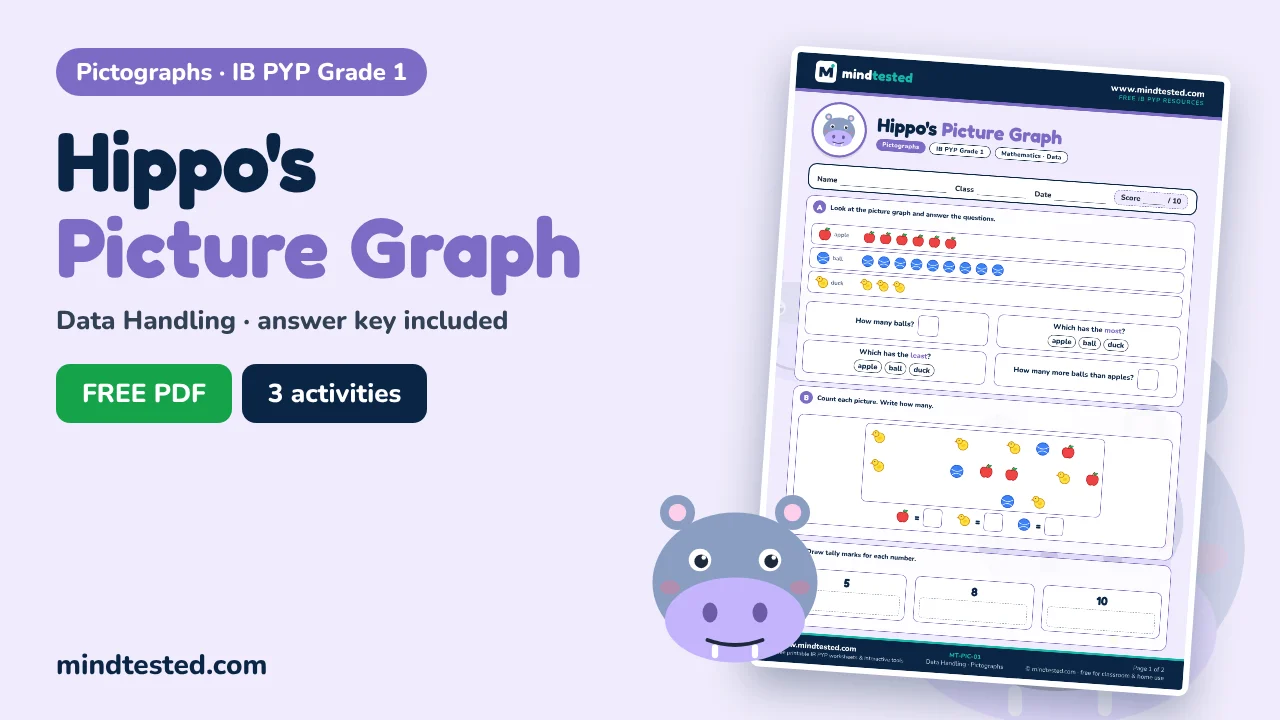
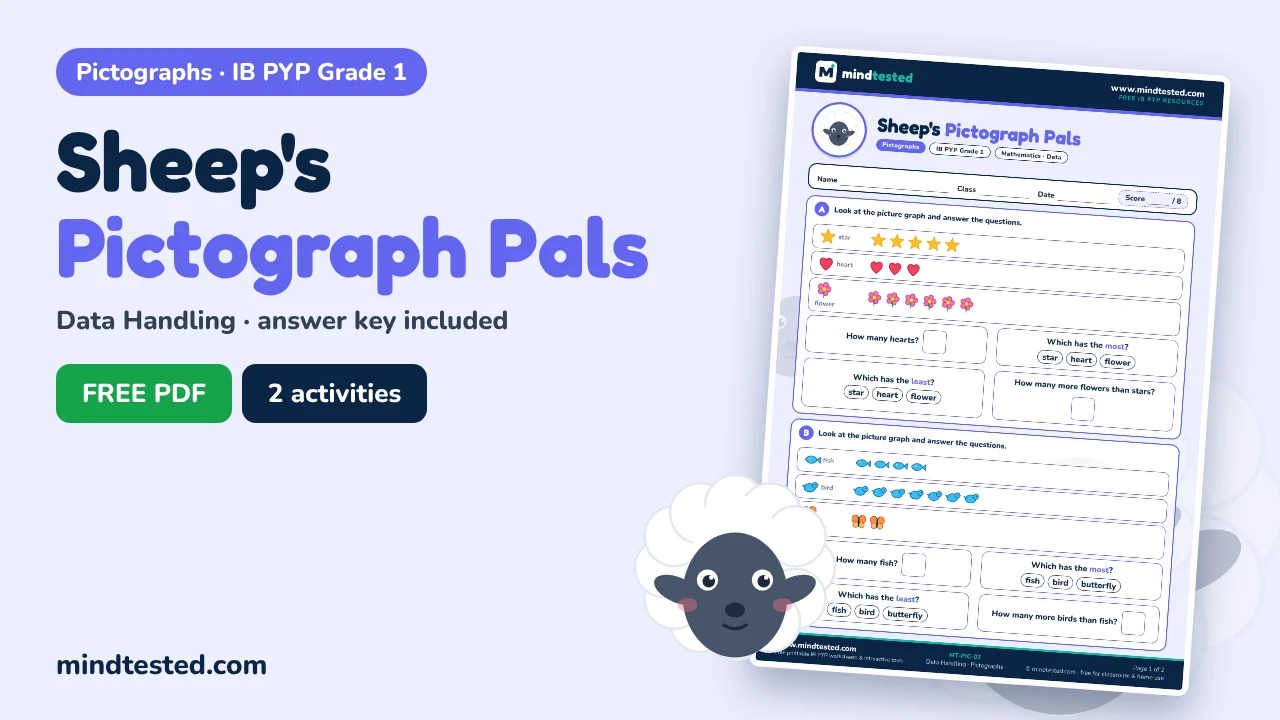
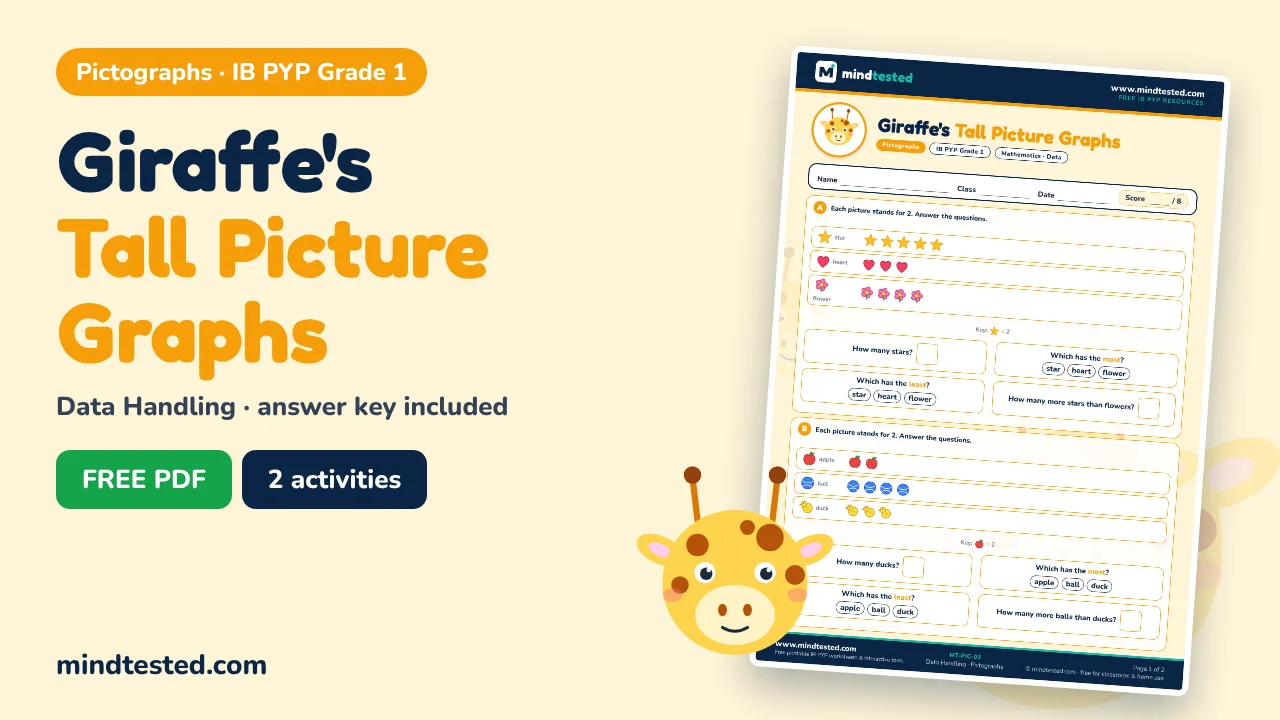
A pictograph, or picture graph, shows data with pictures. Grade 1 learners read graphs where each picture stands for one or two items, use the key, and answer questions about most, least and how many more.
PYP learning is inquiry-based, so every worksheet here is short, colourful and playful, with a friendly animal guide and a teacher answer key on page 2.
What learners practise
- Reading a picture graph
- Using a key (one picture = 2)
- Finding most and least
- Finding how many more
- Counting pictures to collect data
Pictographs at a glance
- Title tells what the graph is about
- Key tells how many each picture stands for
- Most = the longest row of pictures
- Least = the shortest row of pictures
For students
Read each instruction carefully, try every question and colour the animal when you finish.
For parents
Print on A4, read the instructions aloud together and let your child work alone before you check.
For teachers
Use a worksheet as a starter, homework or exit ticket. Each one has a name, class and date box and an answer key.
Ask children to build their own picture graph with stickers, such as favourite fruits in the class.
Quick answers
Who is the Pictographs page for?
It is for IB PYP Grade 1 Mathematics learners, typically aged 6–7, and for the parents and teachers who support them.
What is a key on a graph?
It tells you how many items each picture stands for, for example one picture = 2.
How are pictographs and bar charts different?
Pictographs use pictures; bar charts use bars. Both show how data compares.
How should I use these worksheets?
Pick one worksheet, let your child try it without help first, then check together with the answer key on page 2. Short sessions of five to ten minutes, a few times a week, work best.
Keep exploring
 Data Handling
  Tally Marks
  Bar Charts